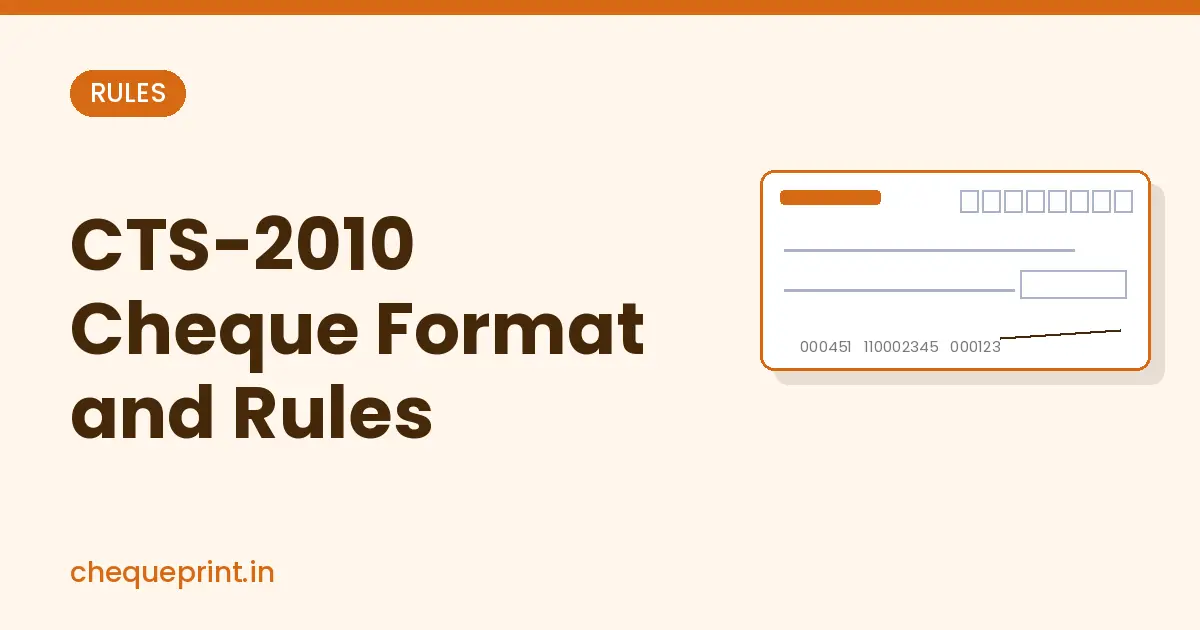
Every cheque book issued by Indian banks today follows the CTS-2010 standard. If you write or print cheques for your business, knowing this format helps you avoid returned cheques and frauds. Let’s go through what CTS-2010 actually means, what security features your cheque has, and the small rules that decide whether your cheque clears or comes back.
What Is CTS and CTS-2010?
CTS stands for Cheque Truncation System. In this system, the physical cheque does not travel from one bank to another. Instead, the bank where you deposit the cheque scans it and sends its image and data electronically for clearing. This makes clearing faster and safer.
Because clearing now depends on the cheque’s image, the Reserve Bank of India (RBI) set a common standard for cheque forms in its circular of February 2010, called CTS-2010. It fixes the security features and the placement of fields on the cheque so that every cheque can be scanned and checked in the same way. Banks were asked to move to CTS-2010 cheques by the end of 2010.
Security Features of a CTS-2010 Cheque
According to the CTS-2010 standards, every cheque leaf must have these minimum features:
- “CTS-INDIA” watermark: An oval watermark with the words CTS-INDIA in the paper, visible when you hold the cheque against light.
- VOID pantograph: The word “VOID” is hidden in the lower-left corner. It does not appear on the scanned image but shows up clearly on a photocopy, so copies can be identified.
- Bank logo in UV ink: The bank’s logo at the top-left is printed in invisible ink and can be seen under an ultraviolet lamp.
- Micro lettering: The bank’s name printed in very small letters, readable only with a magnifying glass.
- Standard field placement: Date, payee name, amount in words, amount in figures, account number and signature space sit at standard places on every bank’s cheque.
- Pre-printed account number: The account number is printed by the bank. It should not be handwritten.
- Light background: A light pastel background so the written or printed details stay clear in the scanned image.
- ₹ symbol: The amount box carries the Rupee symbol.
- Printer name and “CTS-2010”: The name of the cheque printer and the words “CTS-2010” are printed on the leaf. This is the easiest way to confirm your cheque book is CTS-2010 compliant.
Rules to Follow When You Write or Print a CTS-2010 Cheque
1. No corrections or overwriting
From 1 December 2010, RBI prohibited alterations and corrections on cheques cleared through CTS. If you make a mistake in the name or amount, cancel the leaf and issue a new cheque. Don’t try to fix it with a pen or whitener.
2. Fill the date in DD MM YYYY boxes
Write or print the date in the boxes, for example 05 08 2026. A cheque is valid for 3 months from the date on it, as per RBI’s rule effective from 1 April 2012.
3. Keep the MICR band clean
The strip at the bottom with the cheque number and MICR code is read by machines. Never write, print, stamp or staple anything on it.
4. Use dark, clear ink
Use black or dark blue ink or print, so the details are clear in the scanned image. Avoid light colours and gel pens that smudge.
5. Amount in words and figures must match
Write the amount in words ending with “Only” and the figures starting right next to the ₹ sign. Use our free amount in words converter and read how to write amount in words on a cheque.
6. Sign as per bank records
Sign inside the signature space at the bottom right. A printed cheque must still be signed by hand.
Can You Print on a CTS-2010 Cheque?
Yes. CTS-2010 is about the cheque leaf itself. You can fill the date, payee name and amount with a printer, as long as you use your bank’s original leaf, keep the print inside the right fields, stay away from the MICR band and sign by hand. Printed details are actually clearer for scanning than handwriting.
A good cheque printing software lets you set the exact position of each field to match the CTS-2010 layout of your bank, so the print never touches the security areas.
Print CTS-2010 cheques the right way
MoneyFlex prints only the date, payee name, amount in words, amount in figures and A/c Payee in the right fields of your bank cheque. It never prints over the MICR band. Works in Excel on Windows and Mac.
How to Check If Your Cheque Is CTS-2010
- Look for the words “CTS-2010” and the printer’s name on the leaf.
- Hold it against light and look for the CTS-INDIA watermark.
- Check that the account number is pre-printed.
If you still have a very old cheque book without these features, ask your bank for a new cheque book.
Frequently Asked Questions
What is the full form of CTS in cheque?
CTS stands for Cheque Truncation System, where the cheque’s image is sent for clearing instead of the paper cheque.
Can I correct the date or amount on a CTS cheque?
Don’t correct the payee name or amount. Banks do not accept such cheques in CTS clearing. Issue a fresh cheque instead.
How long is a CTS cheque valid?
A cheque is valid for 3 months from the date written on it.
Are printed cheques allowed under CTS-2010?
Yes. You can print the details on your bank’s CTS-2010 cheque leaf with a printer and then sign it by hand. Learn how to print a cheque from your printer.
In Short
CTS-2010 makes cheques safer and clearing faster. Use your bank’s CTS-2010 cheque leaf, never make corrections, keep the MICR band clean, fill the date and amount correctly and sign by hand. If you issue many cheques, printing them with cheque printing software keeps every cheque neat and compliant.